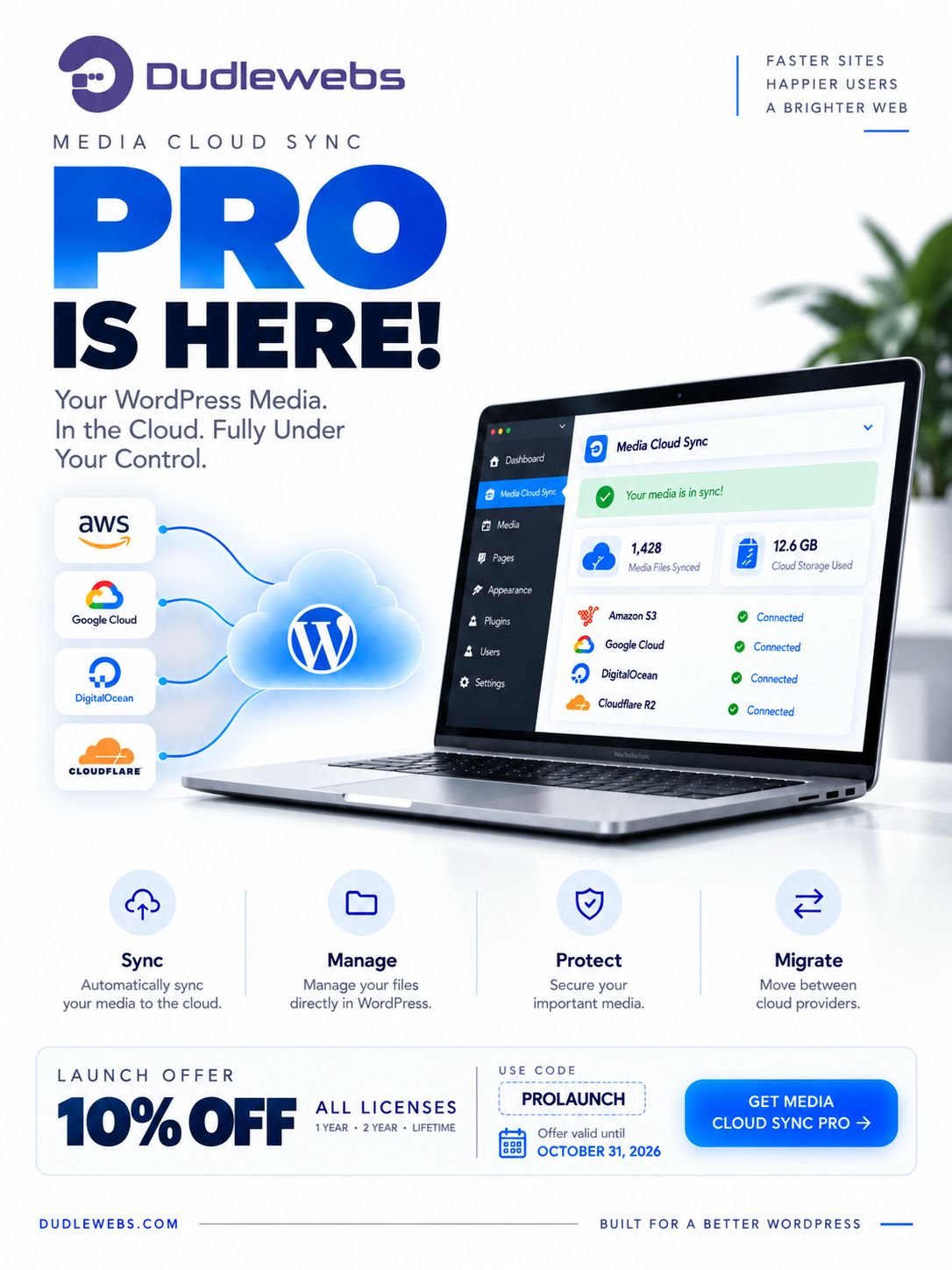

Media Cloud Sync

Media Cloud Sync is an innovative plugin for WordPress that dramatically transforms how you interact with media and increases your website’s performance. This plugin allows you to transfer your files, media, and images from a WordPress server to online cloud storages.

Right now, we support the following services:

  • CloudFlare R2
  • DigitalOcean Spaces
  • Google Cloud Storage
  • Amazon s3
  • S3 Compatible Storages
  • And More to come…
Media Cloud Sync

Important: Pre-Release Version

The PRO version of this plugin is currently in development. As this is a pre-release version, features are currently limited but will be expanded over time. Please review the features listed on this page and only purchase if the current version meets your immediate needs.

FREE

Includes essential features

$0
Get Started
Garantee

7 DAYS MONEY BACK GUARANTEE

if you are not 100% satisfied with our products, you will receive a 100% refund.

PRO

Includes all advanced features

Starting from $44.00

Choose your plan that suite your business needs

Save $85.00

$199.00

$114.00*

Would you like a customised package ?

Contact us today to explore your customised package and licensing options.

Contact us

Simple to use, powerful results

  • Bulk Media Operations Sync, restore, move, re-upload, and manage large numbers of media files efficiently.
  • Cloud File Management Browse, organize, move, restore, delete, download as ZIP, and view your cloud-hosted files directly from WordPress.
  • Cloud File Status See which media is synced and filter your Media Library by cloud-offload status.
  • Force Re-upload Re-upload existing media whenever you need to refresh or replace a cloud-hosted file.
  • Multi-Provider Migration Move synced media between providers, buckets, storage paths, or connected accounts without re-uploading.
  • Media Restoration Restore previously offloaded media from cloud storage back to your WordPress server.
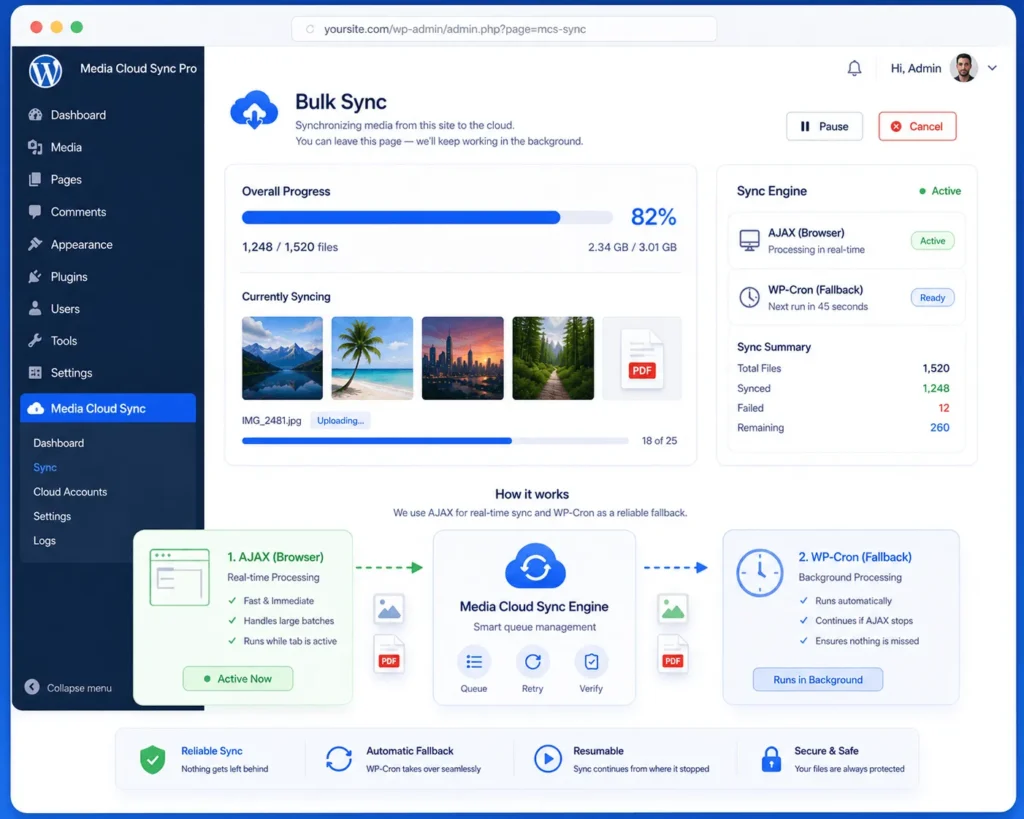
  • Ajax & WP-Cron Sync Choose Ajax, WP-Cron, or Mixed mode for flexible and reliable bulk synchronization.
  • Cache & CDN Delivery Configure custom Cache-Control durations and deliver media through cloud storage or your preferred CDN.
  • File Extension Filtering Choose exactly which file types are uploaded to your cloud storage.
  • Secure Media Access Generate secure, time-limited pre-signed URLs for private cloud-hosted media.
  • WooCommerce & ACF Integration Support WooCommerce product media and Advanced Custom Fields media handling.
  • Multisite & WPML Support Compatible with WordPress Multisite, WPML, RTL layouts, and multilingual environments.
  • 1000+ Active Installations
  • 13 Total Reviews
  • 5.9+ WordPress Version
  • 8.1 PHP Version Required
  • 1.0.0 Current version

Manage Cloud Media From WordPress

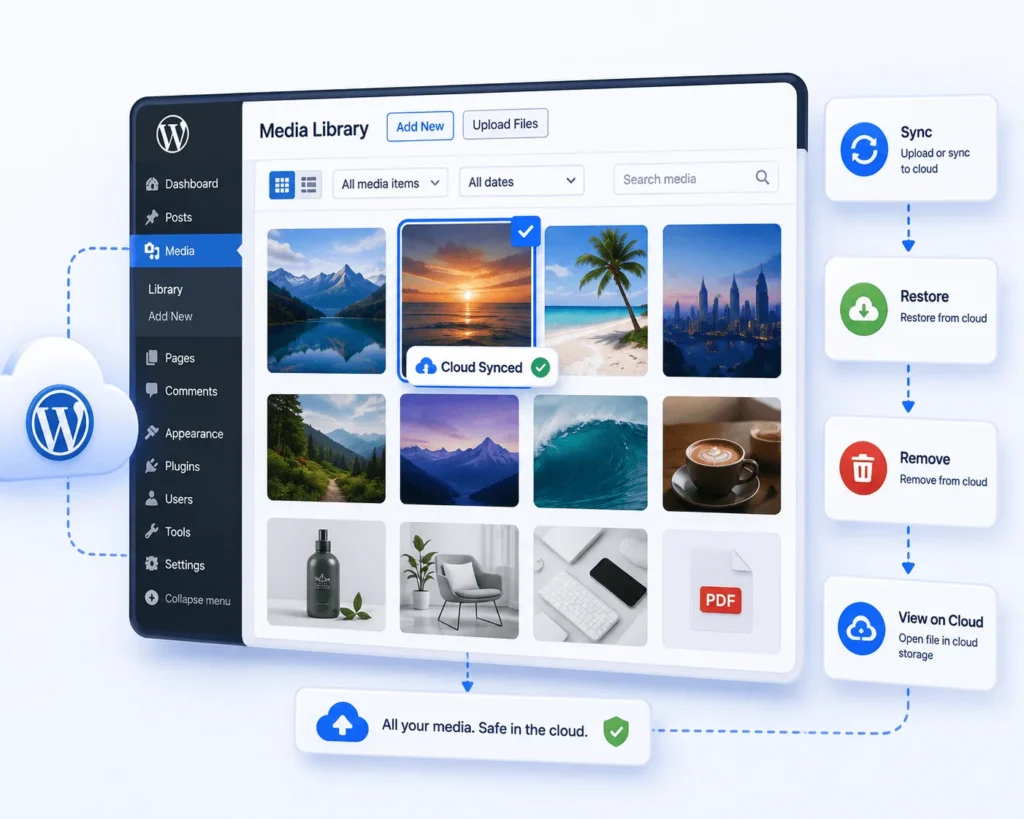
Sync, restore, re-upload, remove, or view your media directly from the WordPress Media Library. Manage individual files or handle multiple items at once. Everything you need stays right where your media already lives.

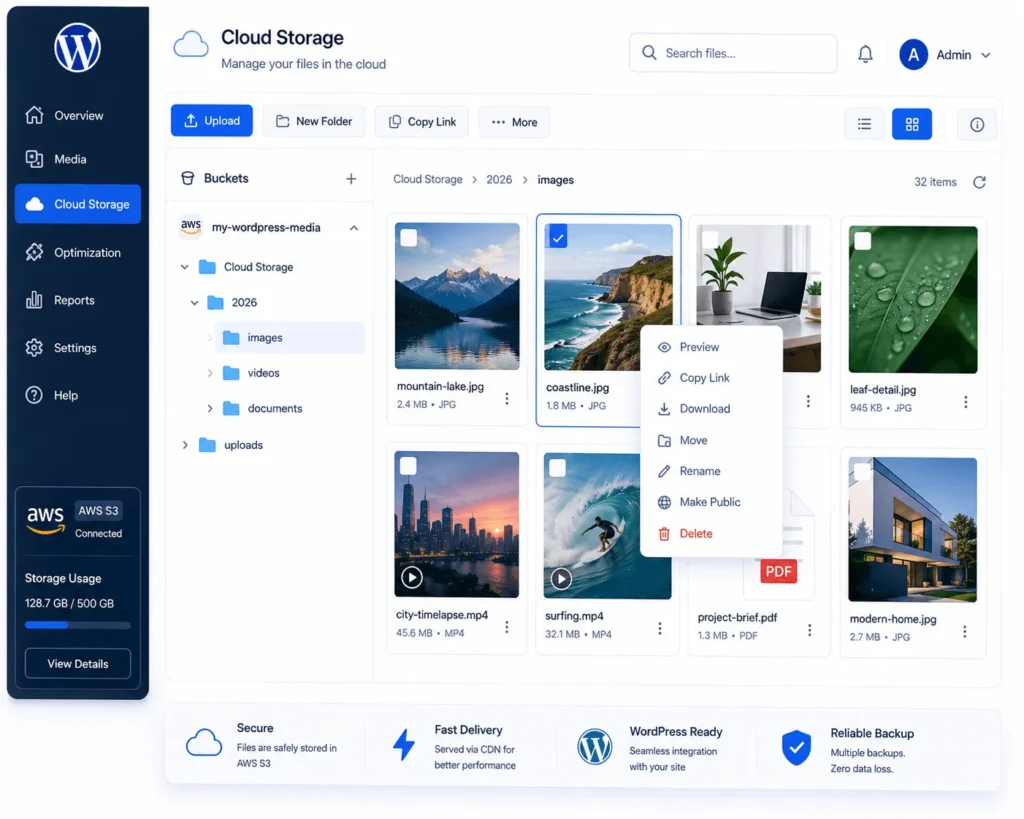
Your Cloud Files, One Powerful Manager

Browse and organize your connected cloud storage from one intuitive interface. Preview, move, download, restore, or delete files with ease. Keep your cloud media organized without leaving WordPress.

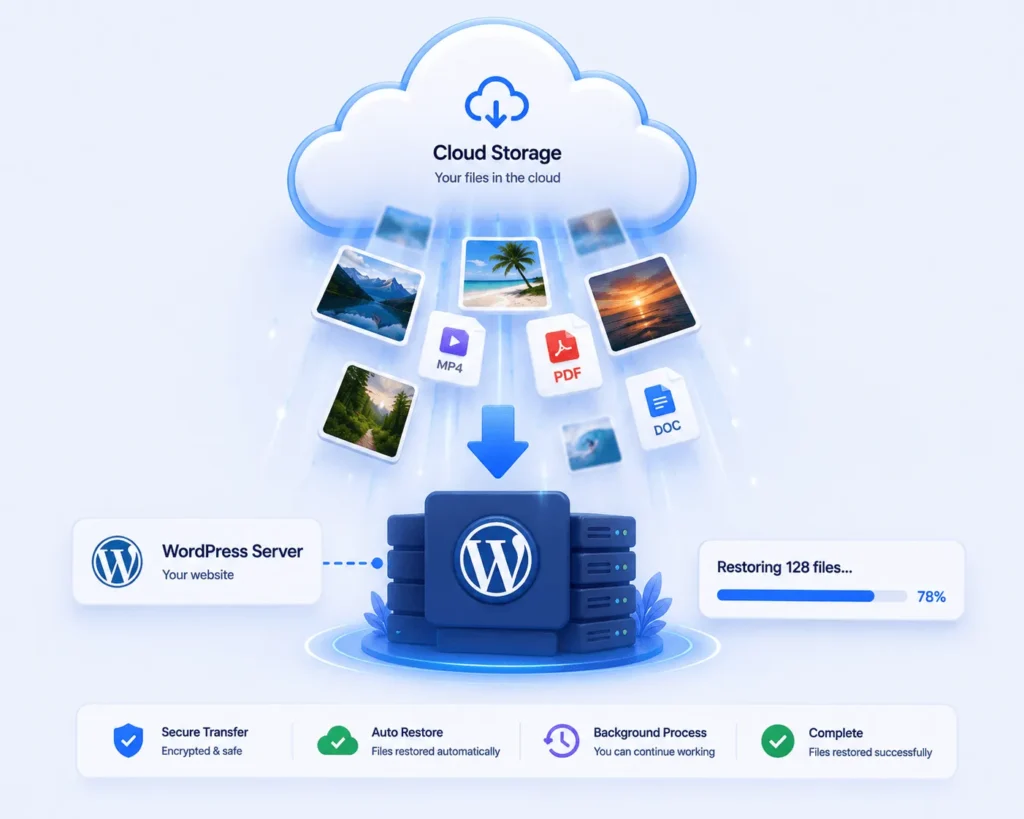
Restore Your Media Anytime

Bring previously offloaded media back to your WordPress server whenever you need it. Restore individual files or recover your media library in bulk. Get your files back without manually downloading them from the cloud.

Move Media Without Re-uploading

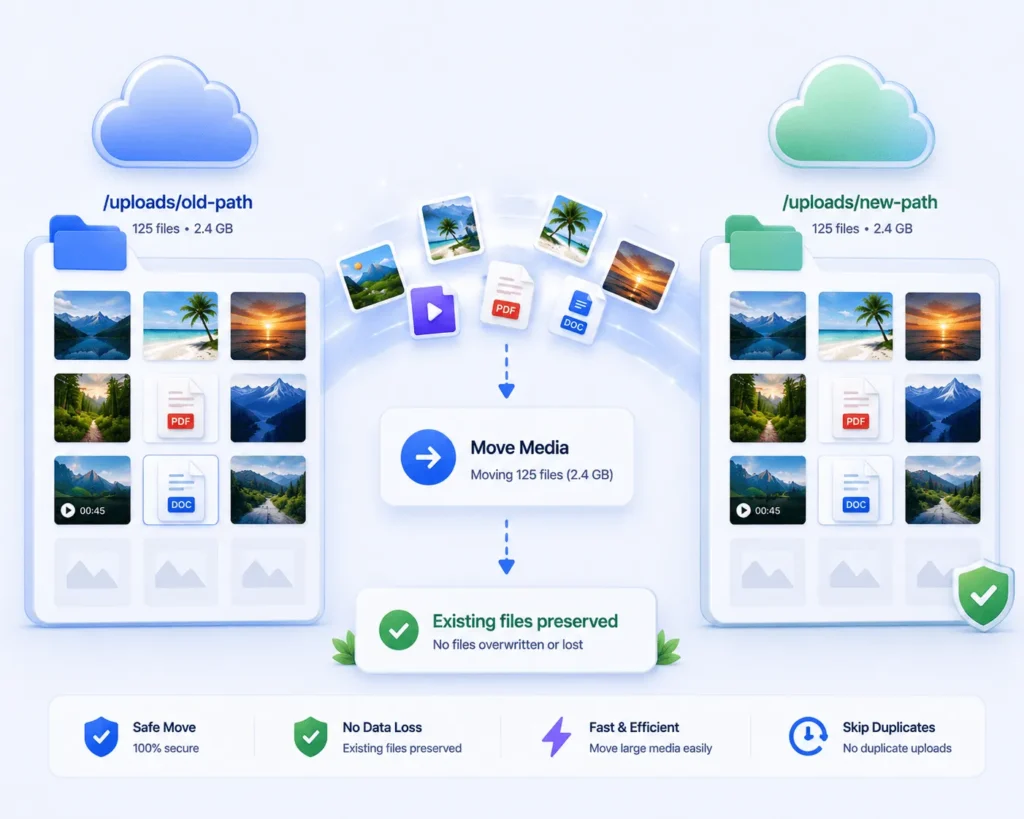
Move already-synced media to a new cloud storage path without starting over. Keep your existing files intact while reorganizing your storage. Make storage changes without unnecessary uploads or duplicated files.
Move Between Cloud Providers

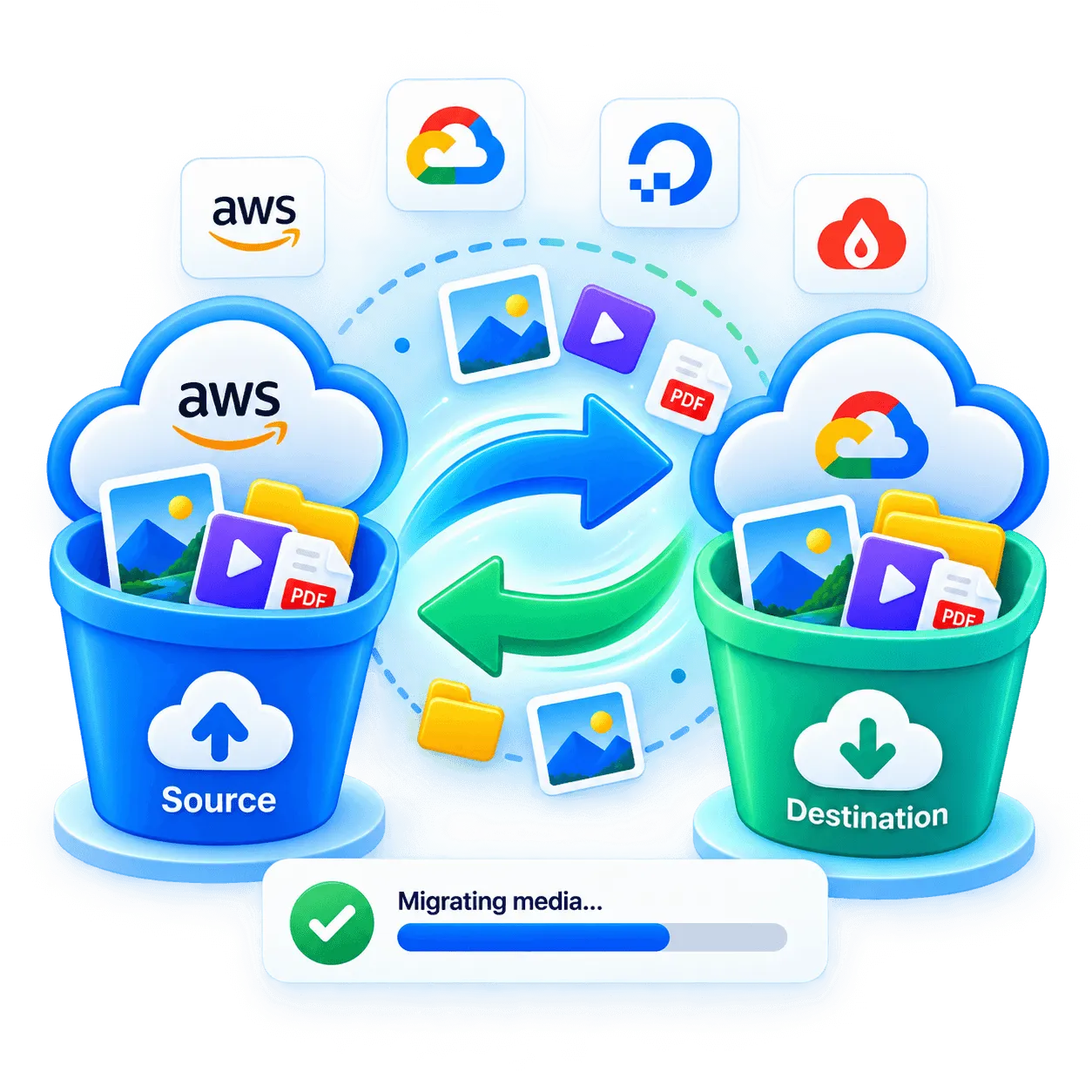
Migrate your media between AWS S3, DigitalOcean, Google Cloud, or any S3-compatible service. Move your cloud library without downloading and re-uploading files. Switch providers or accounts while keeping your media migration simple.

Sync Your Way

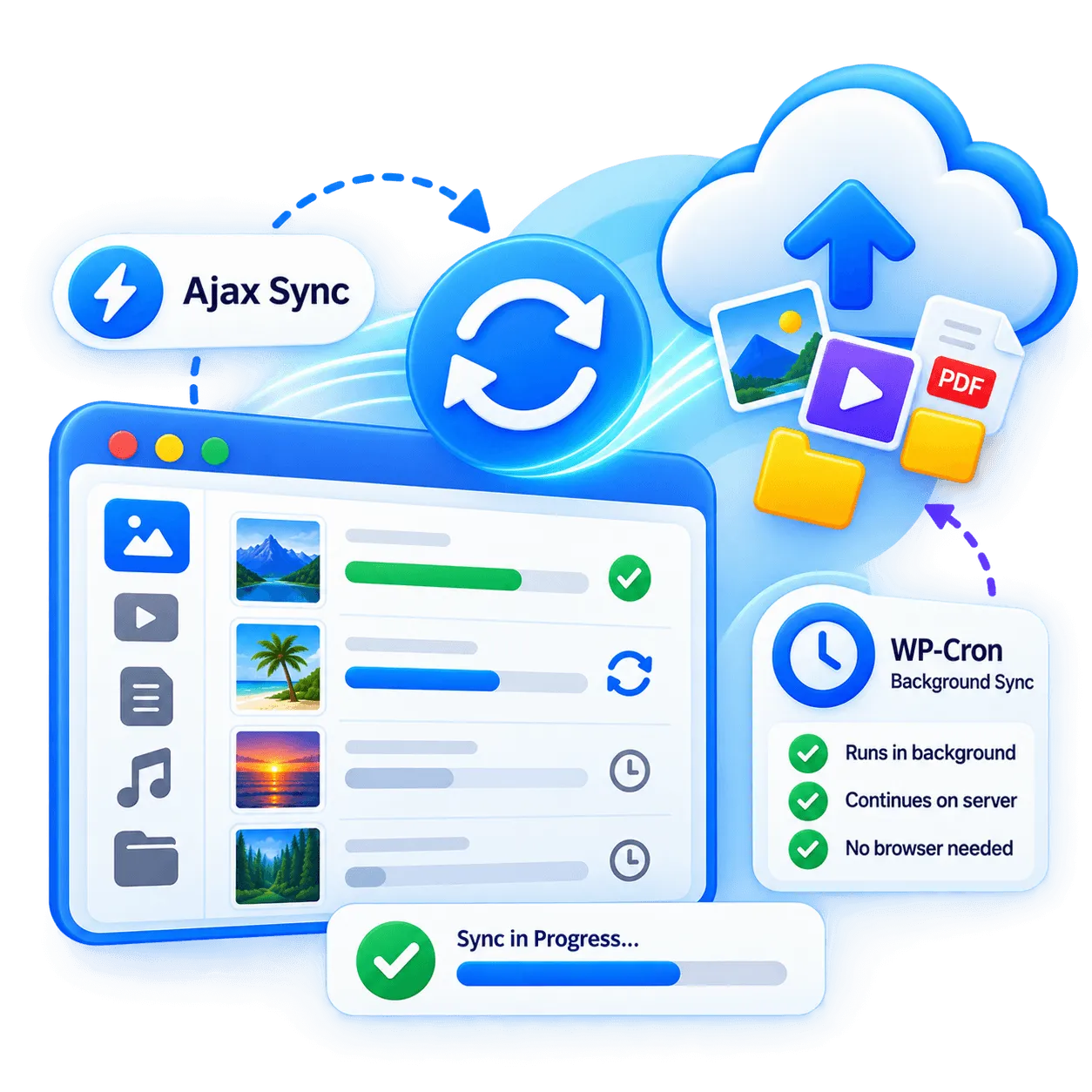
Run bulk synchronization live through Ajax or let WP-Cron continue automatically in the background. Keep large sync operations running even when the browser is closed. Choose the processing method that works best for your server and workflow.
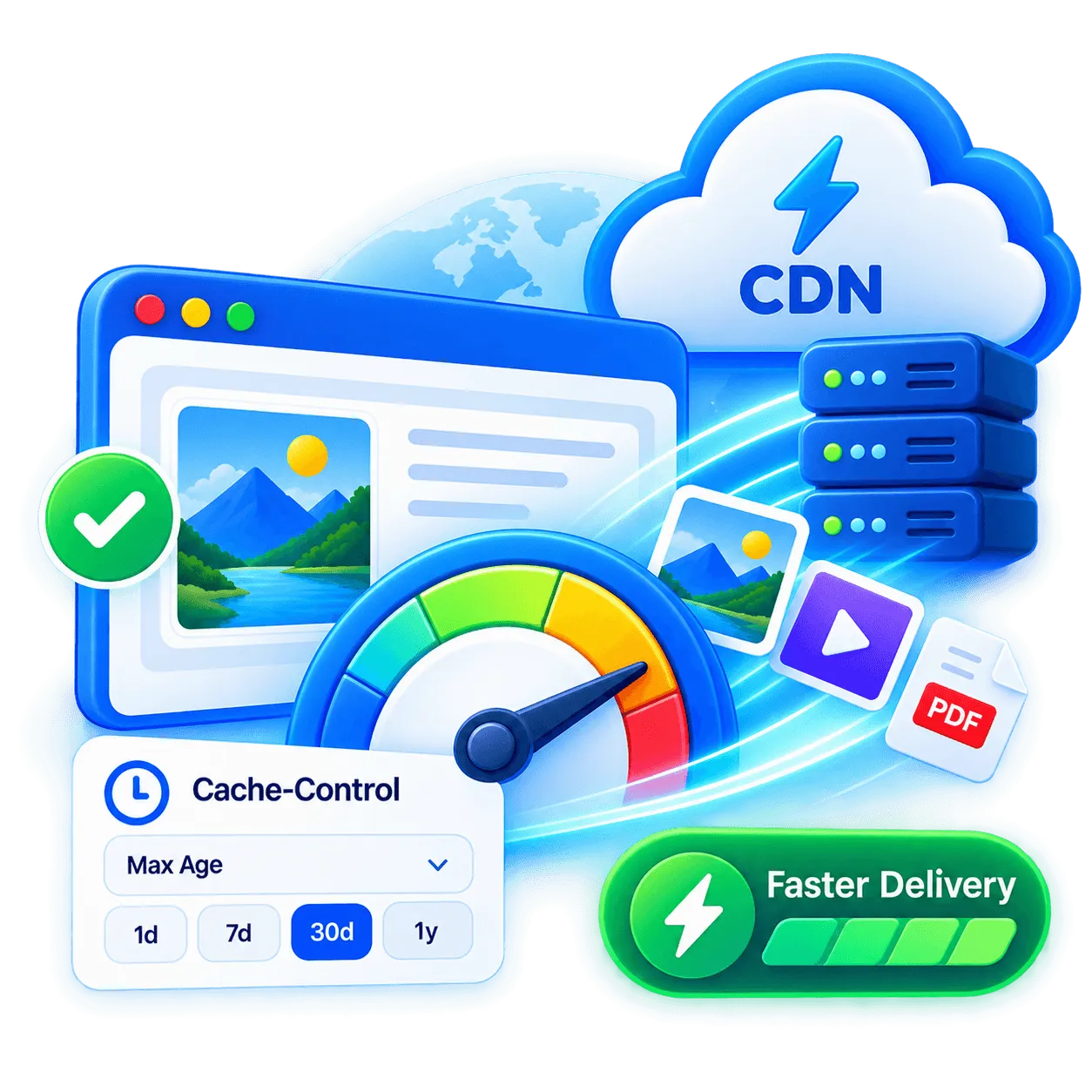
Deliver Media Faster

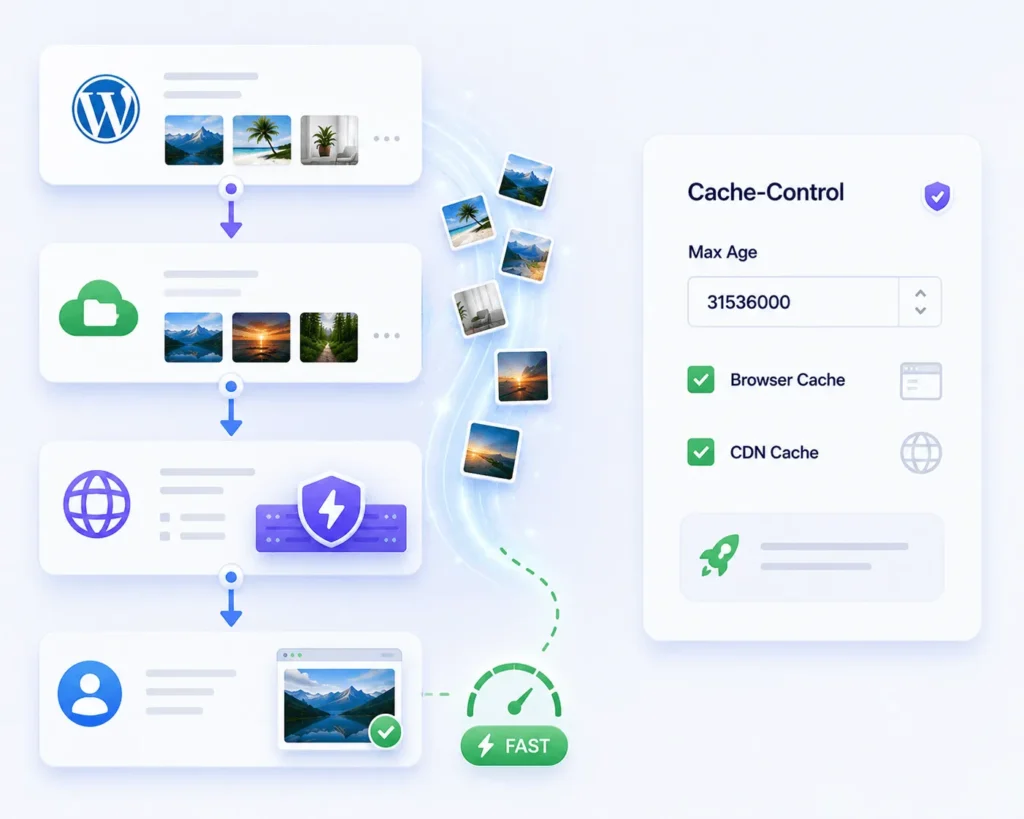
Set custom Cache-Control durations for newly uploaded files and optimize browser and CDN caching. Improve delivery speed while reducing unnecessary storage requests. Give frequently accessed media longer-lasting, optimized caching.

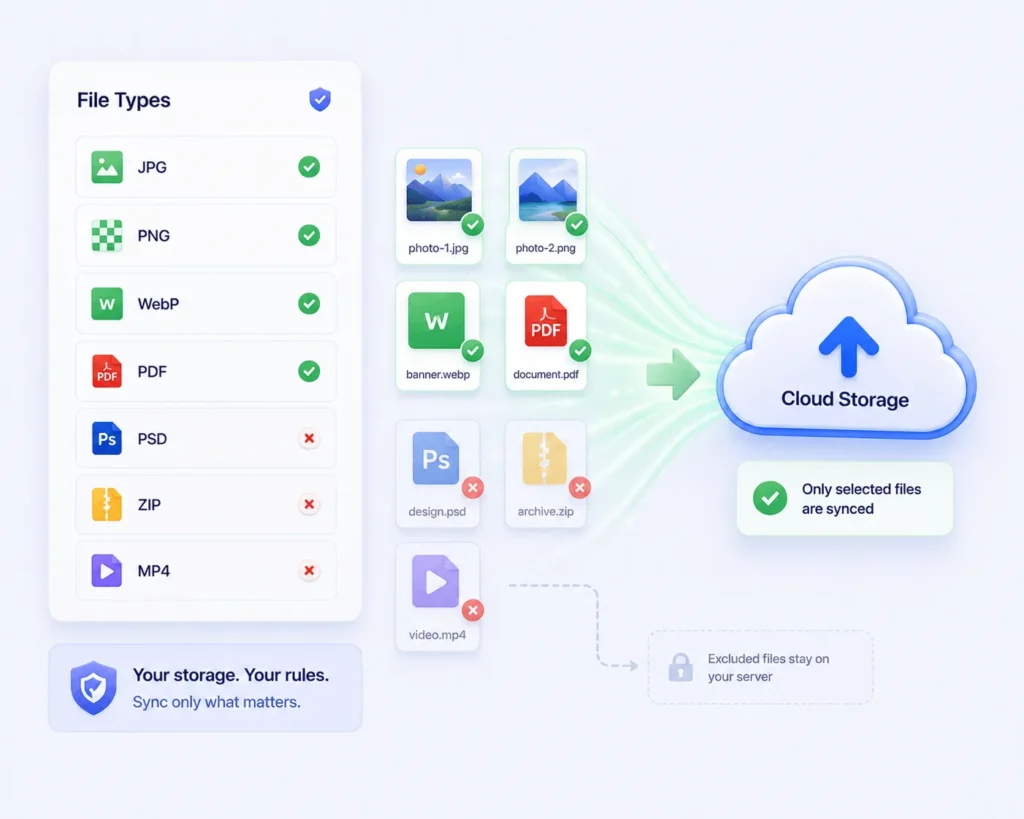
Sync Only What Matters

Choose exactly which file types should be uploaded to your cloud storage. Include the formats you need and exclude unnecessary files from syncing. Keep unwanted files out of your cloud storage and maintain complete control over your media.

Current Version: 1.0.0

1.0
  • Initial release (beta)
  • Date: 16/07/2026

Compare Free vs Premium

Feature
Free
PRO
Cloud Storage Connection Connect to Amazon S3, DigitalOcean Spaces, Google Cloud Storage, Cloudflare R2, or any S3-compatible service
Sync New Uploads Automatically upload new media to the connected cloud storage as it's added to the library
Sync Existing Media Bulk-migrate media already in the WordPress Media Library to the cloud
Delete From Server After Upload Remove local copies once files are confirmed uploaded to the bucket, freeing server storage
Custom Base Path Set a custom storage path/prefix for how files are organized in the bucket
Object Versioning Keep versioned copies of files in the bucket to avoid CDN/cache invalidation issues
Custom CDN Domain (CNAME) Serve media from a custom domain pointed at the storage bucket or a CDN
CDN Provider Presets Preconfigured settings for CloudFront, Bunny.net, Fastly, Cloudflare CDN, Akamai, KeyCDN, Gcore, Edgio, Leaseweb, CDNetworks
WooCommerce Integration Handles product image resize/regeneration and cloud delivery for WooCommerce
ACF Integration Compatibility with Advanced Custom Fields media handling
WPML / RTL / Multisite Support Multilingual string translation, right-to-left layout, and multisite network compatibility
CRON Sync Method Supported CRON sync method
Ajax/Mixed Sync Method Supported Ajax/Mixed sync method
Cache-Control Header Sets a Cache-Control header on newly uploaded files
Restore Media To Server Restore previously offloaded media from the cloud back to the local server
Move Media To New Path Move already-synced media to a newly configured storage path
File Manager Browse the connected cloud bucket directly, with download-as-zip, restore, move, delete, and bulk actions
Bucket-to-Bucket Migration Copy synced media from one storage provider/account/bucket to another
Include File Extensions Control which file types are allowed to upload to the bucket
Exclude File Extensions Control which file types are not allowed to upload to the bucket
Happy Customers

What Our Customers Say

I recently used the Media Cloud Sync plugin, and it has significantly improved my media management by allowing me to integrate an external cloud drive. Setting up my S3 compatible drive was easy, although I did encounter a minor issue with viewing my uploaded files. The support team was quick to assist me via chat, which I really appreciated. Having tried a similar plugin from another company before, I found Media Cloud Sync to offer better configuration options and overall performance. I highly recommend it for anyone looking to enhance their Word Press media storage capabilities with external cloud drive solutions.
Seamless Integration and great support!
I have about 6000 song files that I needed to upload to AWS via my WP website and this plugin made it so simple to use. I also had a few questions that their live support assisted with quickly. I looked at a few others cloud sync plugins and a lot of them had very questionable reviews, outdated, no support, etc. Glad I found MCSP.
Great Plugin!
I’ve had an excellent experience with Media Cloud Sync. It’s user-friendly, reliable, and has greatly streamlined my workflow. The plugin integrates seamlessly and offers powerful features that enhance media management. I highly recommend it to anyone looking to optimize their WordPress media handling!” Thank you Media Cloud Sync Team
Excellent
The WordPress media library can be quite unwieldy, especially for projects with a lot of media. It’s a smart move to offload files to a cloud storage solution like DigitalOcean Spaces. After trying out various plugins, including the now-defunct “DigitalOcean Spaces Sync,” I found that the market is increasingly dominated by a certain plugin from a company with a name that rhymes with “deliciousrain.” No thanks to that. In contrast, the Media Cloud Sync plugin stands out as sleek, efficient, and straightforward. There’s no unnecessary bloat, upselling, or aggressive upgrade prompts. It simply delivers on its promises. In just four minutes, we connected to our DigitalOcean CDN and uploaded a test image—easy as that. There are no limitations, no stripped-down features, and nothing that compromises performance or security. We plan to support this project by purchasing the pro version, although the free version meets all our needs perfectly. Kudos to the team for a job well done!
Sleek, Efficient, and Secure: Media Cloud Sync