

Export Media InventoryPRO
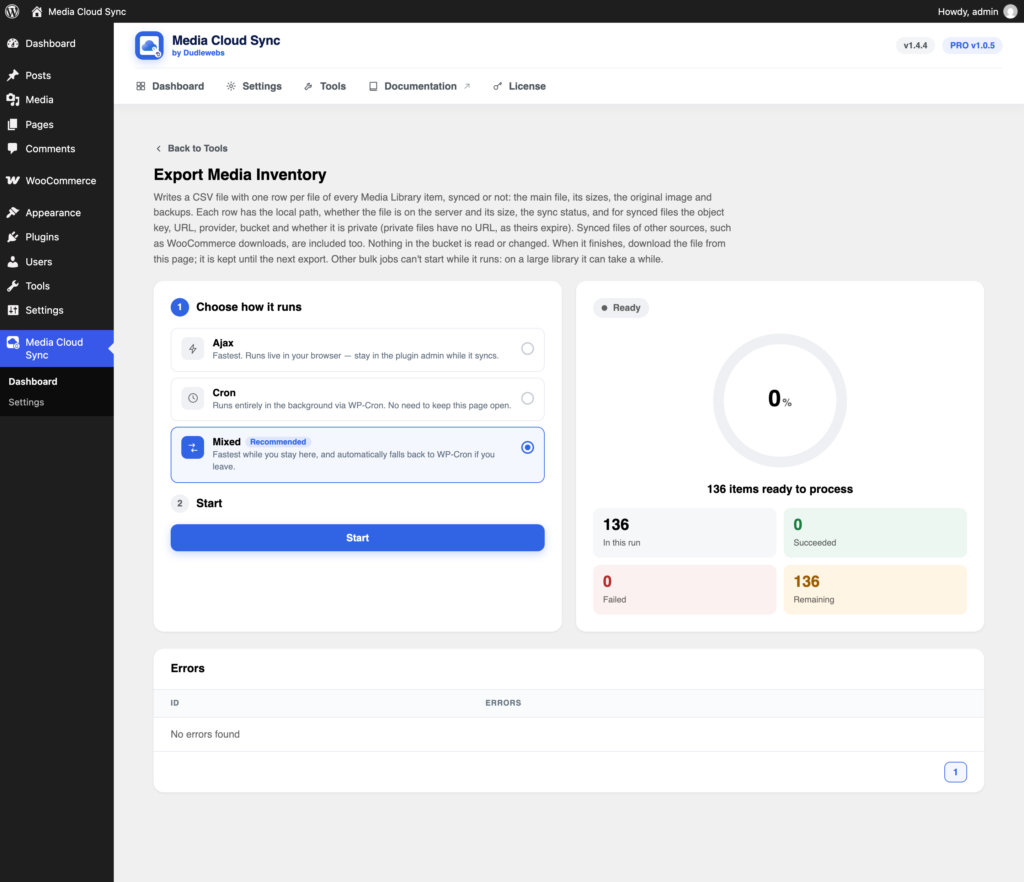
Export Media Inventory creates a CSV with one row per file, useful for audits, migrations, and support requests. Nothing in the bucket is read or changed.
Open it from Tools → Export Media Inventory.
What’s in the file
One row per file of every Media Library item, synced or not: the main file, its sizes, the original image, and backups. Synced files of other sources, such as WooCommerce downloads, are included too.
Columns include:
- source type, ID, title, and file
- local path, whether the file is on the server, and its size
- sync status
- for synced files: object key, URL, provider, bucket, and whether it’s private
Private files have no URL, because theirs expire.
Running it
- Click Start.
- When it finishes, download the file from the same page. It’s kept until the next export.
Other bulk jobs can’t start while it runs, and on a large library it can take a while.