

Update File HeadersPRO
The Cache-Control Duration setting only applies to new uploads. Update File Headers applies it, and the right content type, to files already in the bucket.
Open it from Tools → Update File Headers.

What it does
On every synced file in the bucket (the main file, its sizes, originals, and backups), it sets:
- the Cache-Control duration from your Delivery settings
- the content type that matches the file’s extension
Files aren’t downloaded or uploaded again, and files that already have the right headers are left as they are.
Running it
- Set Cache-Control Duration in Settings and click Save Changes.
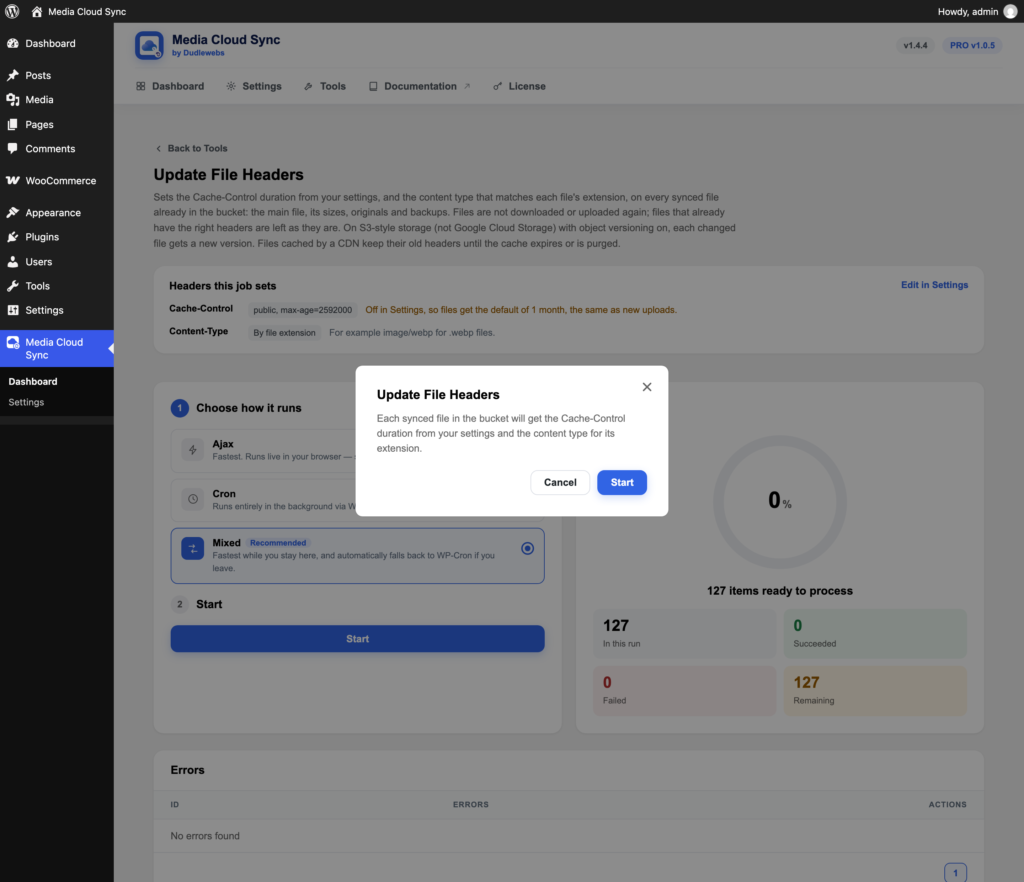
- Open the tool. It shows the values it will apply.
- Click Start, then Start in the dialog.
Good to know
- On S3-style storage (not Google Cloud Storage) with object versioning on in your bucket, each changed file gets a new version.
- Files cached by a CDN keep their old headers until the cache expires or is purged.